We will arrange delivery within 3-5 days after receiving the payment.
Our express delivery: DHL and FedEx.
Quality packing for each product
Destination country all taxes & duty to be paid by buyer
Only part of the brand and model, if you have other product needs, please contact us.
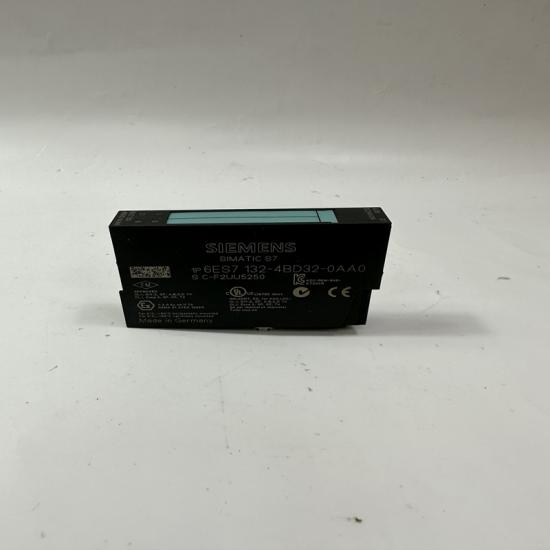
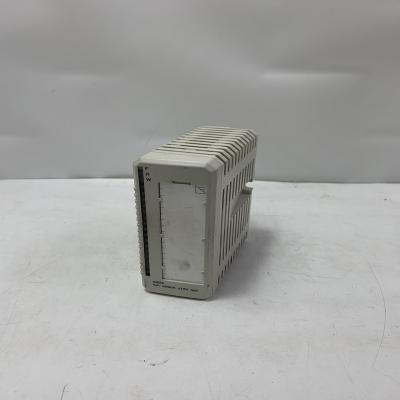
SIEMENS 6SE7090-0XX84-0FJ0 SIMOVERT Communication Module
Note: SIEMENS 6SE7090-0XX84-0FJ0 is not a standard control module. It is a SIMOVERT MASTERDRIVES Motion Control Communication Module (SIMOLINK SLB) used for high-speed communication between Siemens drive systems.
Product Overview
SIEMENS 6SE7090-0XX84-0FJ0 is a SIMOLINK Slave Board (SLB) Communication Module for the SIMOVERT MASTERDRIVES series. It enables fast digital communication between multiple drives and control systems, mainly used in synchronized motion control applications requiring coordinated operation of multiple drives.
Specifications
- Brand: SIEMENS
- Model: 6SE7090-0XX84-0FJ0
- Series: SIMOVERT MASTERDRIVES
- Product Type: SIMOLINK Communication Module
- Module Type: SIMOLINK SLB (Slave Board)
- Application: Motion Control Communication
- Communication System: SIMOLINK Optical Communication
- Function: High-speed data exchange between drive units
- Compatible Systems: SIMOVERT MASTERDRIVES Motion Control Drives
- Installation: Internal drive option module
- Delivery: Without connectors and operating instructions
- Weight: Approx. 300 g
Advantages & Features
- High-speed communication between multiple drive units
- Supports synchronized motion control applications
- Improves coordination accuracy of multi-axis systems
- Reliable optical communication reduces interference
- Easy integration into SIMOVERT MASTERDRIVES systems
- Suitable for demanding industrial automation environments
- Helps extend the service life of existing drive systems
Applications
- Multi-axis motion control systems
- Printing machinery
- Packaging equipment
- Textile machinery
- Material handling systems
- Production lines requiring synchronized drives
- Industrial automation equipment
Precautions
- Confirm compatibility with SIMOVERT MASTERDRIVES before installation
- Check SIMOLINK network configuration
- Ensure correct optical fiber connection
- Disconnect power before replacing the module
- Protect the board from electrostatic discharge
- Verify drive parameters after installation