-
 Email Us justwellautomation@qq.com

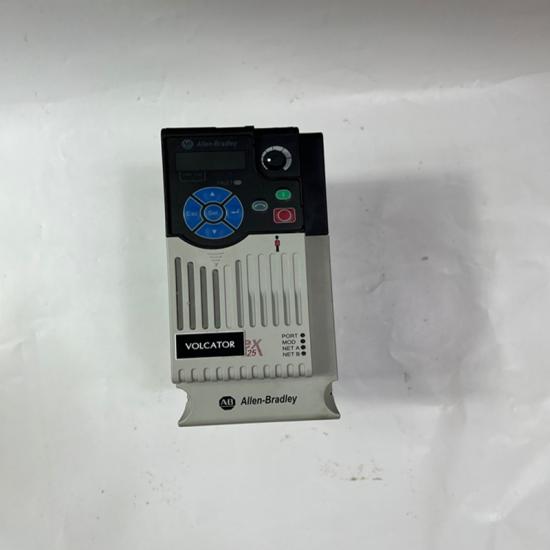
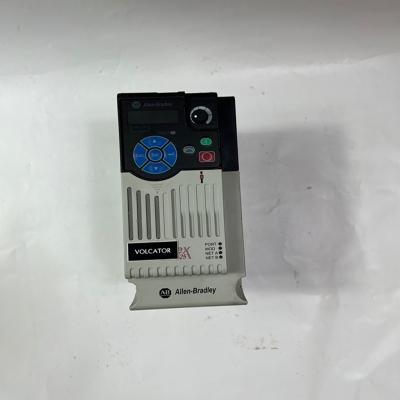
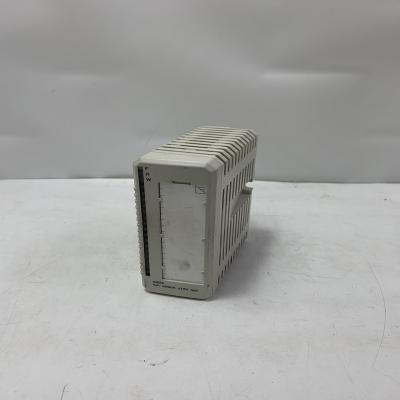
A-B 1794-APBDPV1 FLEX I/O DeviceNet Adapter
Item NO.:
1794-APBDPV1Payment:
T/TPrice:
$1000Product Origin:
USAColor:
NEWProduct weight:
0.01KGLead Time:
In stockWe will arrange delivery within 3-5 days after receiving the payment.
Our express delivery: DHL and FedEx.
Quality packing for each product
Destination country all taxes & duty to be paid by buyer
Only part of the brand and model, if you have other product needs, please contact us.

The Allen-Bradley 1794-APBDPV1 is a communication adapter for the FLEX I/O system. It connects FLEX I/O modules to a PROFIBUS DPV1 industrial network, allowing a PLC or other controller to exchange input and output data with distributed I/O modules. It supports communication rates up to 12 Mbps and provides a 24 V DC power supply interface.
|
Parameter |
Specification |
|---|---|
|
Brand |
Allen-Bradley (A-B) |
|
Model |
1794-APBDPV1 |
|
Product Series |
FLEX I/O |
|
Product Type |
PROFIBUS DPV1 Communication Adapter |
|
Communication Protocol |
PROFIBUS DPV1 |
|
Communication Rate |
Up to 12 Mbps |
|
Nominal Supply Voltage |
24 V DC |
|
Input Voltage Range |
19.2–31.2 V DC |
|
Maximum Input Current |
385 mA |
|
FlexBus Output Current |
Up to 640 mA |
|
Maximum Power Dissipation |
4.2 W at 19.2 V DC |
|
Network Connector |
9-pin D-sub |
|
Mounting |
DIN rail |
|
Dimensions (H × W × D) |
Approx. 87 × 69 × 69 mm |
|
Operating Temperature |
0–55°C |
|
Protection Rating |
IP20 |
Connects FLEX I/O modules to PROFIBUS DPV1 networks.
Supports communication speeds up to 12 Mbps.
Enables distributed I/O data exchange with PLC systems.
Built-in power conversion for FLEX I/O backplane communication.
Supports up to eight FLEX I/O modules in the adapter system.
Compact DIN-rail mounting design.
Designed for industrial distributed automation applications.
Distributed industrial I/O systems
PLC-based automation systems
Manufacturing production lines
Process control systems
Machine monitoring and control
Industrial network integration
Verify the 24 V DC power supply before installation.
Use the correct PROFIBUS cable and 9-pin D-sub connector.
Configure the PROFIBUS node address according to the network design.
Install the module on a suitable DIN rail.
Confirm compatibility with the connected FLEX I/O modules and PLC.
Follow proper PROFIBUS termination and grounding requirements.
Other best-selling products:
--------------占位---------------
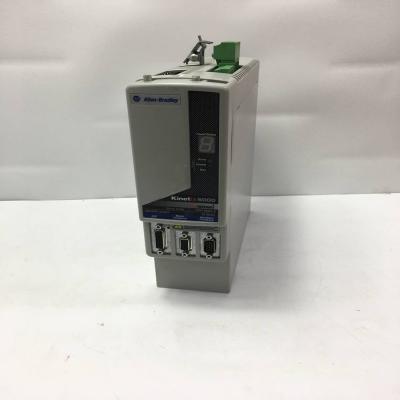
ALLEN-BRADLEY 2094-BM01-S multi-axis servo drive
Details
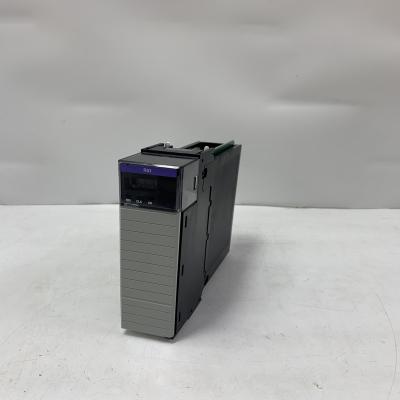
Allen-Bradley 1756-RIO Remote I/O Communication Module
Details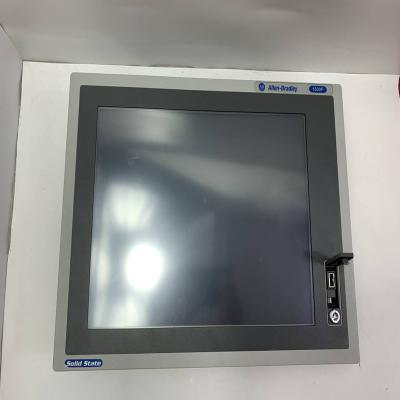
Allen-Bradley 6181F-15TPXP Integrated Display Industrial Computer
Details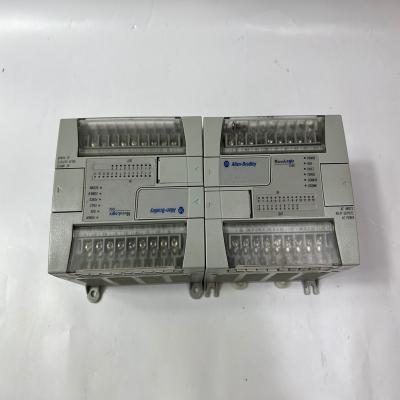
Allen-Bradley 1762-L24AWA Programmable Controller
Details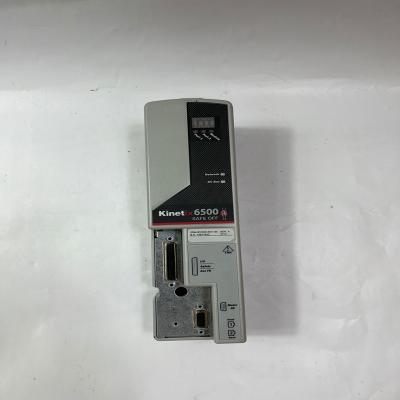
Allen-Bradley 2094-EN02D-M01-S0 EtherNet/IP Safe Torque Off Control Module
Details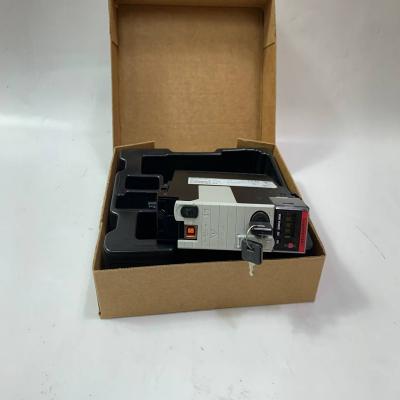
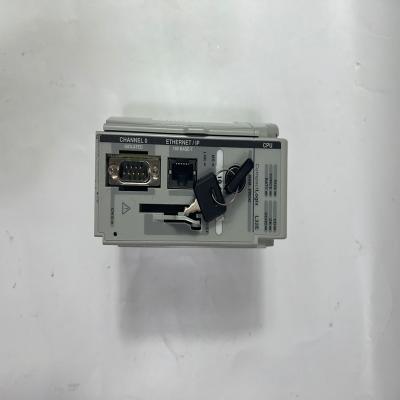
Allen-Bradley 1769-L32E CompactLogix Controller
DetailsAll brand names, trademarks, logos, and commercial identifiers (hereinafter referred to as "Third-Party Marks") mentioned on this website are the property of their respective owners. Any use of Third-Party Marks on this website is for descriptive, commentary, or identification purposes only and constitutes "fair use" under trademark law, with no intention of infringement.
This website is not affiliated with, endorsed by, or authorized by the owners of any Third-Party Marks. Unless expressly stated otherwise, this website does not claim ownership or make any representations regarding the validity, legal status, or quality of products associated with such marks.
 IPv6 network supported
 All Categories