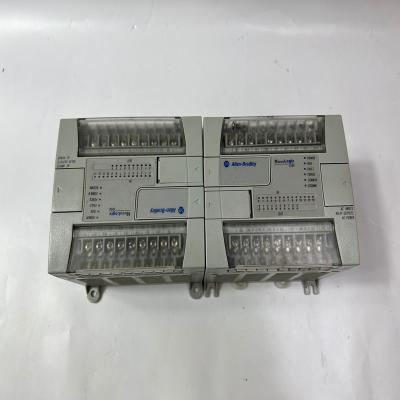
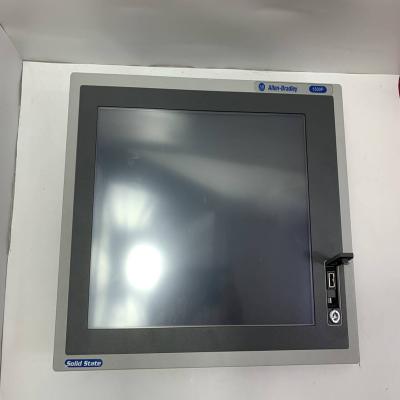
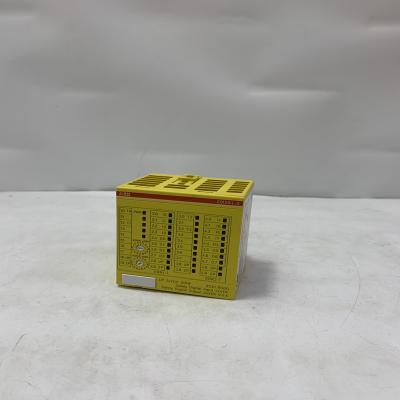
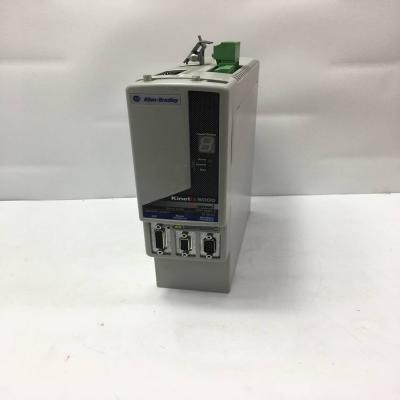
We will arrange delivery within 3-5 days after receiving the payment.
Our express delivery: DHL and FedEx.
Quality packing for each product
Destination country all taxes & duty to be paid by buyer
Only part of the brand and model, if you have other product needs, please contact us.
-
-
-
Specifications
表格
| Item |
Details |
| Order code |
VW3A3627 |
| Product |
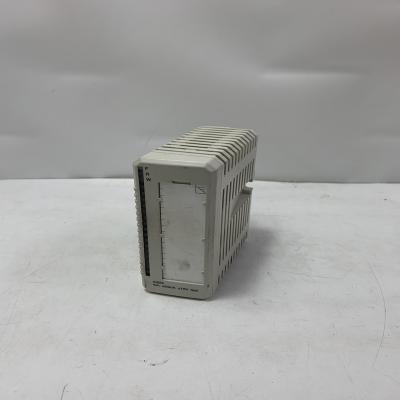
Altivar fieldbus communication module |
| Protocol |
PROFINET IO, with LLDP support |
| Ethernet ports |
2 × RJ45 Ethernet connectors |
| Transmission rate |
100 Mbit/s |
| Status indication |
MS module-status LED, NS network-status LED, TX/RX LED for port 1, TX/RX LED for port 2 |
| Built-in features |
Embedded web server for monitoring and commissioning via standard browser |
| Compatible drives |
Altivar 32, ATV320, ATV340 except Sercos drives, ATV600, ATV900 and Altivar Process Modular |
| Mounting |
Plug-in option card mounted inside the compatible Altivar drive |
| Product category |
Drive communication accessory / fieldbus module |
Features and Advantages
- Adds PROFINET IO connectivity to compatible Altivar variable-speed drives.
- Dual RJ45 ports support daisy-chain network cabling between drives.
- 100 Mbit/s Ethernet provides fast cyclic process data and diagnostic exchange.
- Status LEDs show module, network and port activity for quick commissioning and troubleshooting.
- Embedded web server allows local browser-based monitoring and setup without dedicated engineering software.
- Modular plug-in design simplifies installation, spare-part replacement and drive network integration.
- Supports standard PROFINET device integration into PLC-based automation architectures.
Applications
- PROFINET-connected pump, fan, conveyor and machine drive networks
- Altivar drive integration into PLC-controlled production lines
- Factory automation where Ethernet fieldbus drives are required
- Drive monitoring, speed reference and status feedback from a central controller
- Retrofit or expansion of existing Altivar drive communication options
Installation and Usage Notes
- Verify compatibility with the exact Altivar model, firmware version and drive option slot before ordering.
- Power down the drive and follow ESD precautions before inserting or removing the module.
- Use shielded Ethernet cabling and connect the cable shield according to the drive installation guide.
- Check PROFINET device name, IP/network settings, GSD file and controller configuration during commissioning.
- Do not confuse this PROFINET module with the Profibus DP variant; order the correct protocol code for the network.
- Keep Ethernet cables separated from motor power cables to reduce interference.
- Confirm web-server access rights, language and diagnostic functions against the drive manual.
- For Sercos-version ATV340 drives, verify whether this module is supported.
 Email Us justwellautomation@qq.com

 All Categories